
Start Project
One Seamless WorkflowDescription
To use the pipeline functions, your project must have a name that follows the required naming structure. If the project name does not match this structure, only the Start Project button will be available in the Baked Pixels Tools.
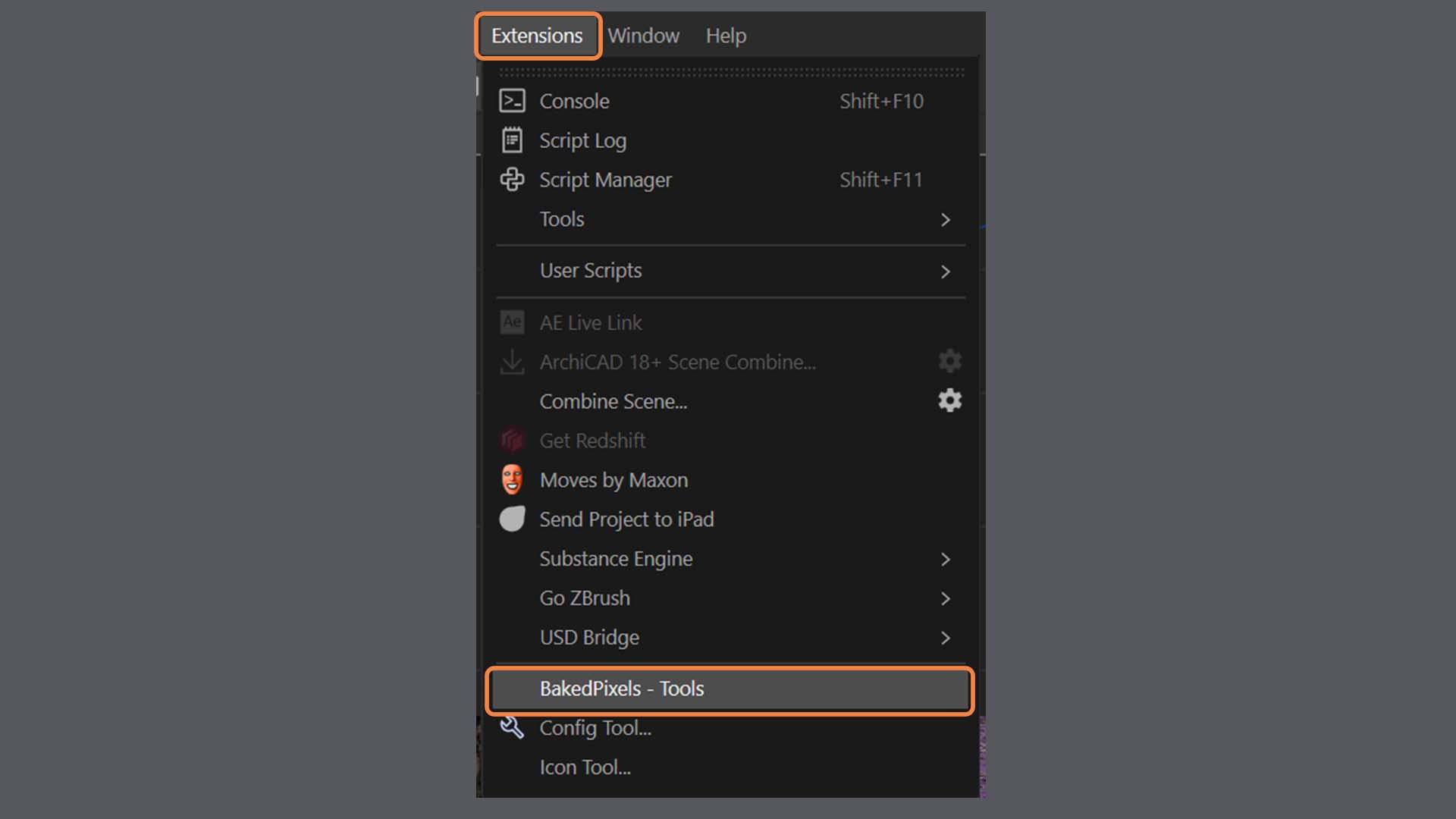
You can access the Tool Palette under:
Extensions → BakedPixels – Tools.
💡 Tip: You can embed the Tool Palette into your Cinema 4D layout and save that layout. This way, the palette stays available when switching layouts, so you don’t have to reopen it every time.
1. Starting from an Untitled Document
When you open Cinema 4D with a new, untitled project and click Start Project, you’ll be prompted to choose a folder. Once selected, the pipeline automatically creates a new folder named with a Unix timestamp, containing a tex folder, and saves the Cinema 4D project file as {unixtimestamp}_V01.c4d.
2. Starting from an Existing File
When you create a new project from an existing file, only a new Cinema 4D project file is generated in the same location as the original, named {unixtimestamp}_V01.c4d.
⚠ Important: The contents of the tex folder may be used or deleted later in the process. Handle with caution.
3. Renaming a Project
You can rename a project with a valid Unix timestamp, but this is not recommended.